Mastering Effective Website Strategies
Welcome to The Presentation
Walk away with a practical framework to improve your nonprofit website’s performance, accessibility, and visibility.

Presented by:
Cody Clifton
Owner- Squeak Media
squeak.media/effective-website-strategies/

Here’s What We’ll Cover In The Next Hour
Agenda Preview
Meet The Presenter

Hi everyone! I’m Cody Clifton, owner of Squeak Media, a digital marketing agency based here in Florida. I specialize in helping small businesses and nonprofits grow their online presence through high-performing websites, SEO, and strategic digital marketing.
Over the past decade, I’ve had the privilege of working with a wide range of organizations—from health care providers and local retailers to national equestrian brands and historic preservation societies. My websites consistently exceed Core Web Vitals benchmarks, meet WCAG 2.1 accessibility standards, and are built with both speed and strategy in mind.
Owner of Squeak Media, a full-service digital marketing agency
WordPress expert – fast, secure, accessible sites built to convert
SEO strategist – from local rankings to nationwide search visibility
Core Web Vitals optimization – Google loves our websites
Accessibility advocate – all users deserve access to your mission
Trusted by nonprofits and mission-driven organizations
Content and advertising strategist – monthly plans that drive results
Frequent speaker and workshop presenter for nonprofits and small business groups
Your Website is Your 24/7 Outreach Tool—Educating, Fundraising, Recruiting
Why Websites Matter for Nonprofits
Acts as your nonprofit’s digital front door
Clearly communicates your mission and impact
Expands your reach to new donors, volunteers, and partners
Supports fundraising through donations and event registrations
Provides resources, updates, and stories to engage your audience
Builds trust and drives long-term community involvement
Common Nonprofit Website Pitfalls
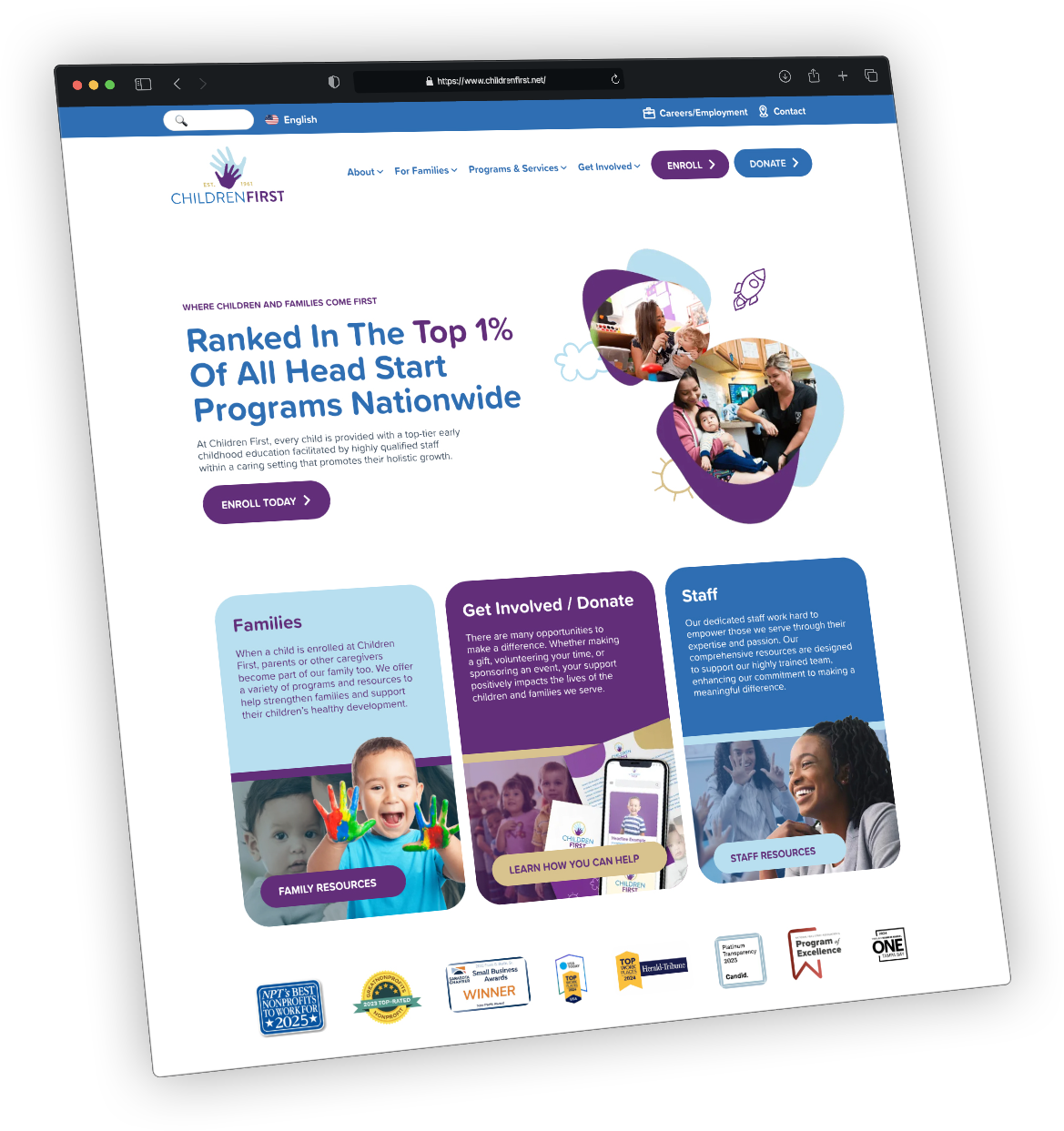
Slow load times due to poor hosting or unoptimized content
Not mobile-friendly, making the site hard to use on phones
Missing clear calls-to-action like donate, volunteer, or contact
Confusing navigation that makes it hard to find information
Lack of accessibility, excluding users with disabilities
Poor SEO, so the site doesn’t show up in search results
So How Do We Check For These Issues?

Performance
Accessibility
Best Practices
SEO


Check PageSpeed Scores
Is Your Website Slowing You Down?
Action Steps for Nonprofits
Choose fast, reliable hosting, not shared hosting
Minimize large images and videos on homepage
Avoid bloated templates and slow page builders
Use a content delivery network (CDN) when possible
Hosting Speed
Your hosting provider directly impacts how quickly your server responds, which affects overall load time and user experience.

Image Size
Large, uncompressed images can dramatically slow down page load times, especially on mobile devices.

Page Structure
A cluttered or poorly organized page layout makes it harder for browsers to load content efficiently and can overwhelm visitors.

Unused Scripts
Extra code from unused plugins or tracking tools adds weight to your site, slowing down performance without adding value.

Can Everyone Use Your Website?
Accessibility is more than just a checkbox—it’s a commitment to inclusivity. Making your website accessible ensures that everyone, regardless of ability, can engage with your content. It also improves usability, builds trust, and supports your mission in meaningful ways.
Accessibility
Inclusion for All – Ensures people with disabilities can access your content and participate in your mission.
Improves User Experience – Accessible design benefits everyone, including users on mobile devices or with slower internet.
Legal Compliance – Helps you meet ADA and WCAG 2.1 standards and reduces the risk of legal action.
Clearer Communication – Accessibility forces better structure, readability, and clarity in your content.
Stronger Trust & Credibility – Demonstrates that your organization values and respects all audiences.
Better SEO – Search engines favor accessible websites with clean code and clear content hierarchy.
Action Steps for Nonprofits
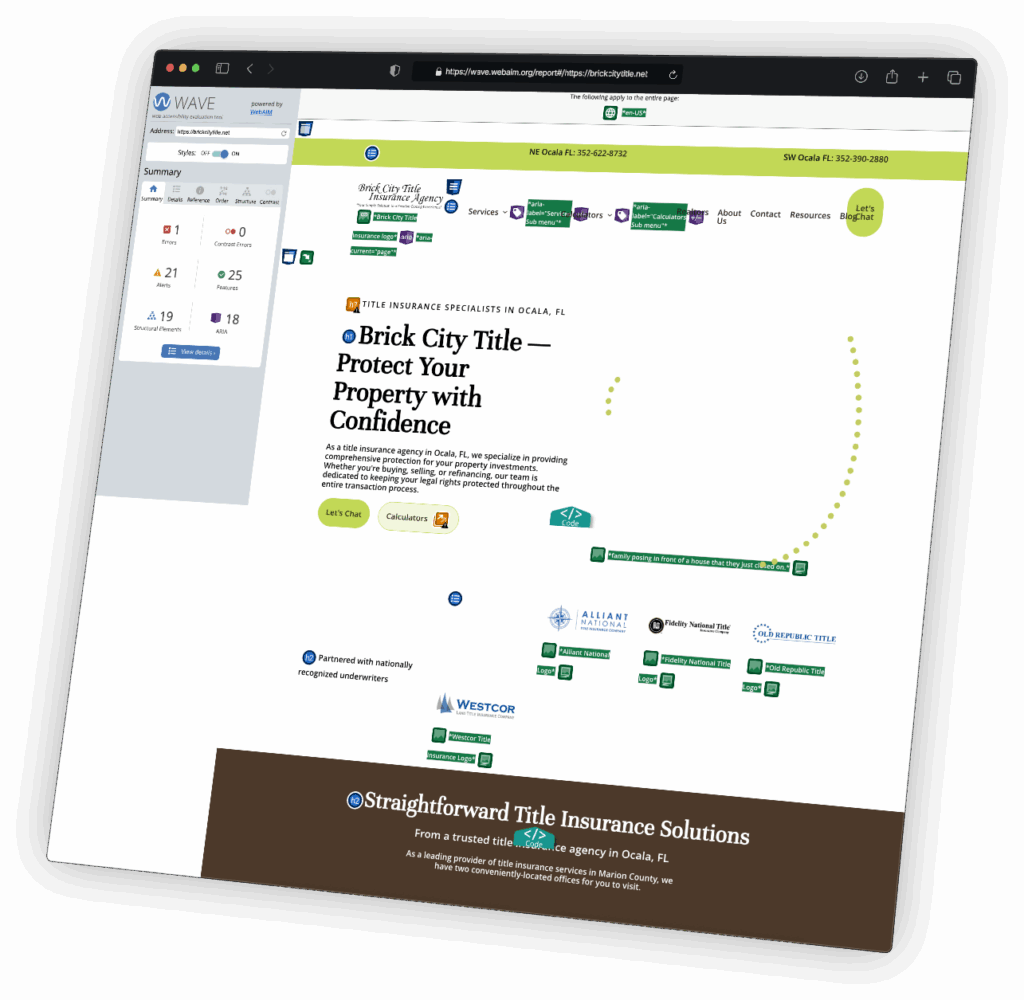
Use proper heading structure (H1, H2, etc.)
Ensure text has high contrast
Add alt text to all images
Enable keyboard navigation
Use tools like WAVE, axe, and Lighthouse to audit
Website Hygiene: What Google and Users Expect
Best Practices
Keep your site safe, stable, and functional—so it works smoothly for every visitor, every time. This means following key best practices that protect your site and improve reliability:
Security – Use HTTPS, strong passwords, and keep plugins and themes updated
Technical Setup – Ensure your site is mobile-friendly, loads without errors, and avoids broken links
Clean Code – Minimize unnecessary scripts, use valid HTML, and avoid bloated page builders or outdated tools
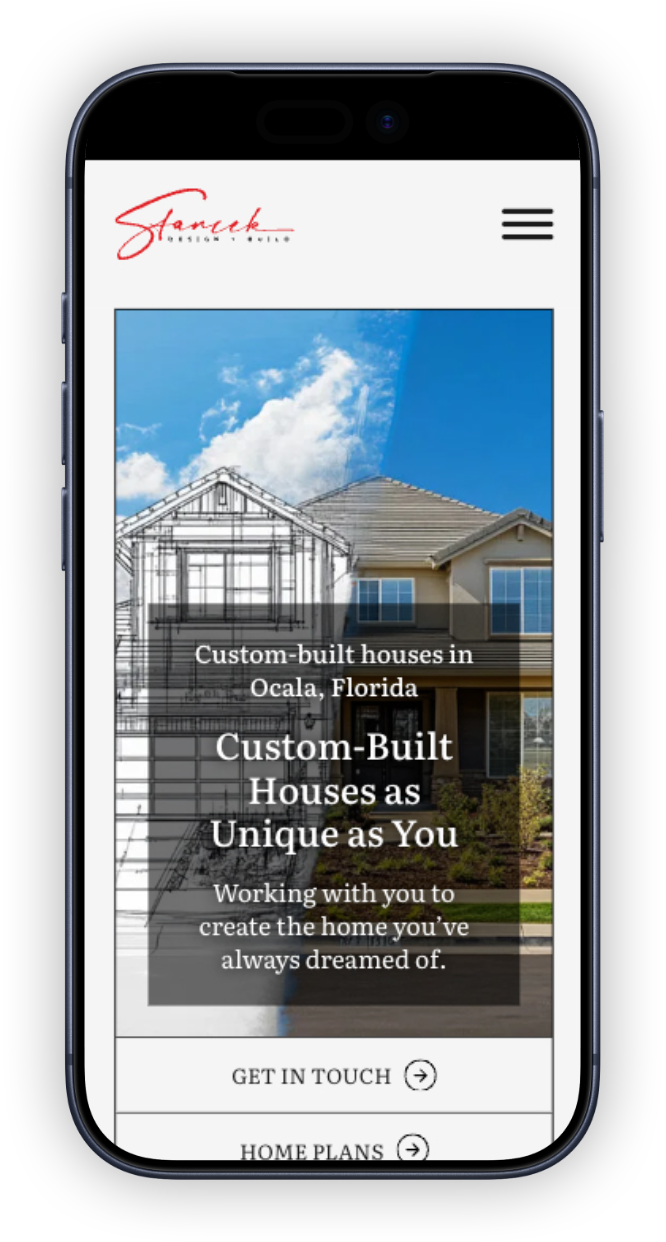
Action Steps for Nonprofits
Keep WordPress, plugins, and themes up to date
Use SSL (https)
Eliminate broken links and outdated elements
Avoid excessive popups or redirects
Enable mobile responsiveness across all devices
Help People Find You Online
Strong SEO helps your nonprofit show up when people search for causes like yours. PageSpeed Insights checks for key SEO fundamentals that affect how easily your site can be found and indexed by search engines.
SEO
Page Titles – Clear, relevant titles that describe each page’s content
Meta Descriptions – Short summaries that appear in search results and encourage clicks
Mobile-Friendliness – Ensures your site looks and works great on phones and tablets
Crawlability – Allows search engines to index your site and understand its structure
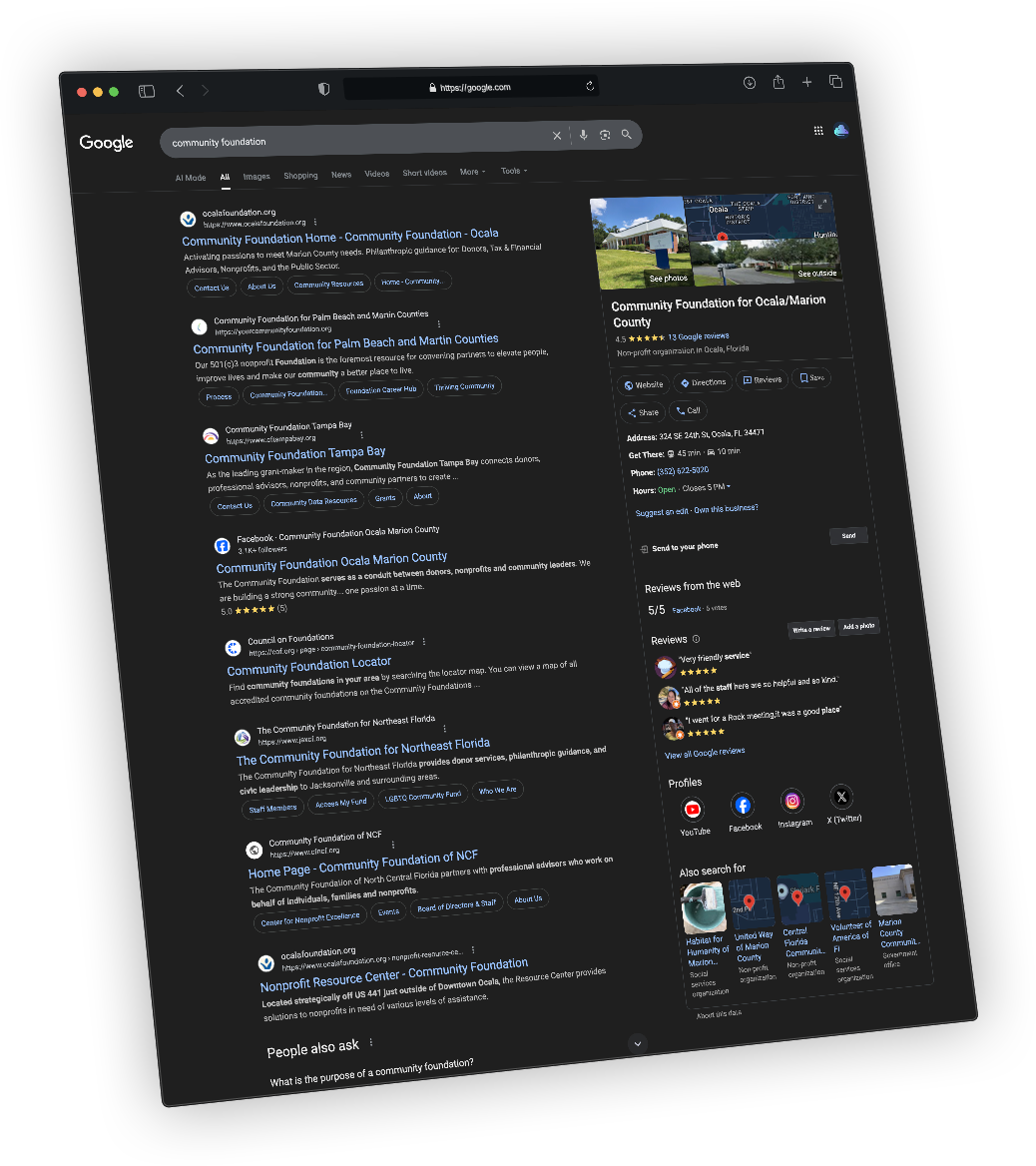
Action Steps for Nonprofits
Write clear, keyword-based page titles and headings
Add meta descriptions for every page
Submit your site to Google Search Console
Create a blog or update news/events regularly
Ensure mobile-first design
Are You Legally Covered Online?
Bonus – Required Policies
Privacy Policy – forms, donations, analytics
Terms of Use – usage rules and legal protection
Donation/Refund Policy – transparency for donors
Cookie Notice – simple compliance for tracking tools
Protect your website or application for just $12/mo.
Automatic Policy Updates – Stay compliant as privacy laws change, without lifting a finger.
Covers All Essential Policies – Generate Privacy Policy, Terms of Service, and more in one easy step.
Affordable Legal Protection – A budget-friendly alternative to hiring a lawyer.
Builds Trust with Donors and Visitors – Shows you’re serious about data protection and transparency.
Quick and Easy Setup – Just copy and paste the embed code—no tech skills required.
Questions? Here Are Some Helpful Links
Q&A + Next Steps
This final section includes a list of helpful tools and links to support your next steps and make it easier to implement what you’ve learned today.
Performance
- PageSpeed Insights (Google)
Analyze your website’s Core Web Vitals and get actionable performance tips.
- GTmetrix
Offers speed scores, waterfall analysis, and optimization recommendations.
- WebPageTest
Advanced speed testing with detailed load time breakdowns by region and device.
- DebugBear Speed Test
Quickly test your website’s speed and compare it to competitors.
- Pingdom Website Speed Test
Simple performance testing with load time, performance grade, and improvement tips.
- PageSpeed Insights (Google)
Accessibility
- WAVE Web Accessibility Evaluation Tool
Visual tool that highlights accessibility errors, alerts, and features on your site.
- axe DevTools (Browser Extension)
Powerful Chrome and Firefox extension for in-browser accessibility testing.
- Google Lighthouse
Built into Chrome DevTools—generates accessibility scores and suggestions.
- Accessibility Checker by EqualWeb
Quick scan of your site with suggestions to improve compliance.
- Siteimprove Accessibility Checker (Browser Extension)
Chrome extension that evaluates content against WCAG guidelines.
- WAVE Web Accessibility Evaluation Tool
SEO
- Google Search Console
Monitor your site’s search performance, indexing issues, and keyword rankings.
- Ahrefs Webmaster Tools
Free site audit and backlink analysis tool for identifying SEO issues.
- DebugBear SEO Checker
Runs a full SEO audit and highlights issues that could impact your rankings.
- SEO Site Checkup
Quickly checks technical SEO factors like meta tags, sitemap, and mobile usability.
- Google Lighthouse
Built into Chrome DevTools—offers SEO insights alongside performance and accessibility.
- Google Search Console
Other Useful Links
- Color Contrast Checker
Quickly remove image backgrounds—great for creating clean visuals for your site.
- Remove.bg
Quickly remove image backgrounds—great for creating clean visuals for your site.
- TinyPNG
Compress your image files without losing quality to help speed up your website.
- BuiltWith
See what technologies any website is using—helpful for inspiration or troubleshooting.
- Termageddon
Automatically generate and update your website’s Privacy Policy, Terms of Service, and more to stay legally compliant.
- Can I Use
Check browser compatibility for HTML, CSS, and JavaScript features to ensure your site works for all visitors.
- Color Contrast Checker
Thank You For Attending
Thank you so much for attending today’s workshop on mastering effective website strategies for nonprofits. I hope you’re leaving with practical insights and tools to help your organization thrive online. If you have any questions, need support, or want to explore how we can work together to improve your website, please don’t hesitate to reach out—I’d love to connect!